
Stock Up/ Picjumbo
Okay, maybe the title is a bit melodramatic, but then it seems appropriate given the craziness everywhere else. Anywhoo, that’s another topic for another day; let’s move on.
No the mayhem to which I refer is all on my WordPress blog. You may have noticed over the last couple of weeks, some changes taking place in the Cow Pasture. Here’s why and what’s been happening. I’m sharing this because if you have a WordPress blog, you may be seeing some of the same behavior or glitches.
Have you noticed any of the following?
- Your blog pages loading slowly.
- Blog freezing when you’re trying to post.
- Page insight analysis shows a drop in speed. This tool, it identifies ways to make your site faster and more mobile-friendly.
- Strange strings of code showing up in your blog posts.
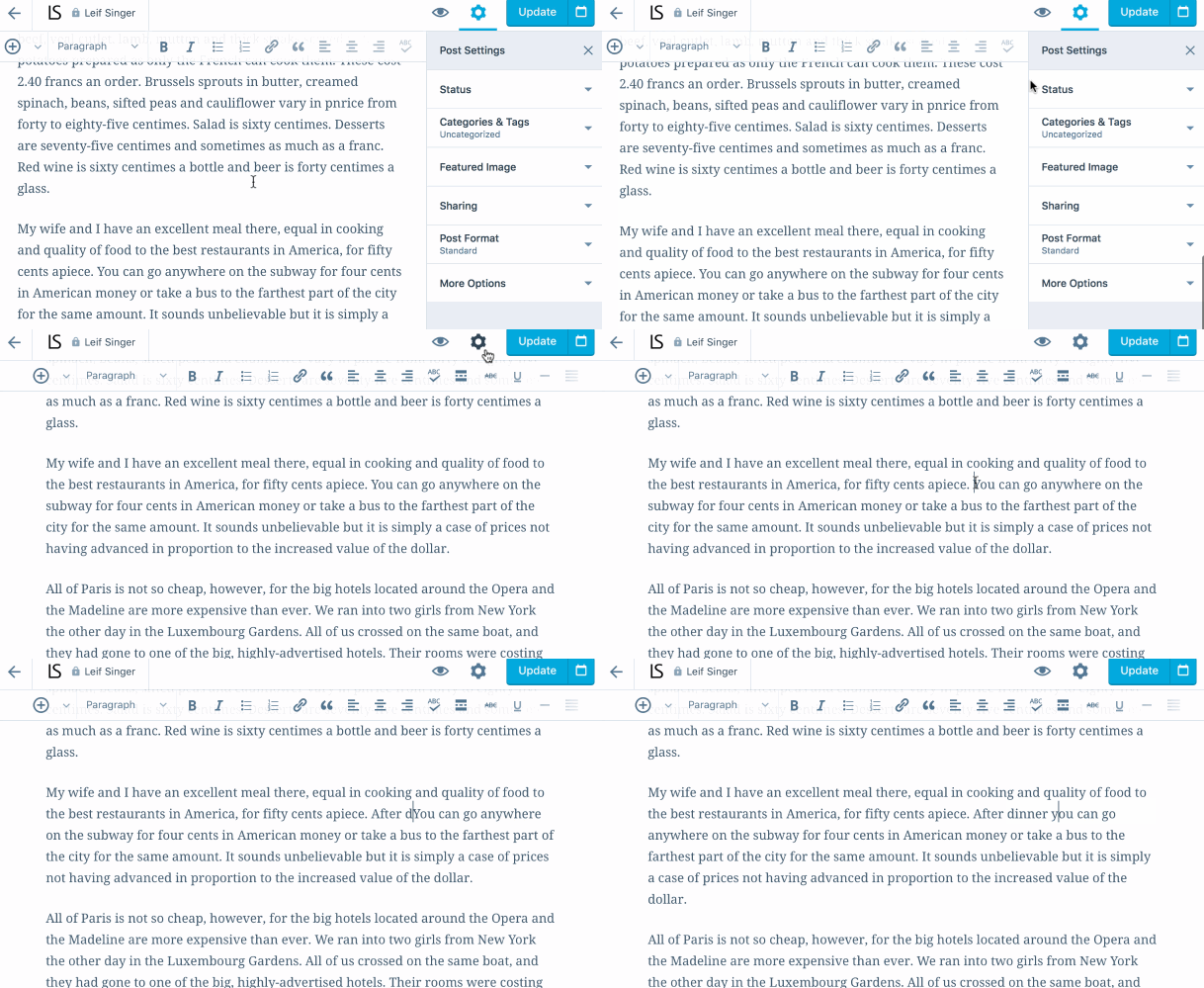
At first, I thought it might be my computer. So, I did all the appropriate checks – no malware, no viruses, nothing from my MAC seemed to be causing this. The biggest and most mysterious issue I discovered, were pages of code attached to my blog postings. Here’s a portion of the code (usually at least two pages long) and what it looks like. Rest assured this is a photo copy of the code.

![]()
I notified WordPress Support, and we’ve been on the hunt for the cause for weeks. In the meantime, their recommendation was for me to go through 520+ posts and delete the strange string of code, manually! For the love of God! Seriously?
So, that’s what I’ve been doing. It’s a time sucking demon and here’s the catch. On occasions, it reappears after I’ve deleted it. Can you say, lost in a circle of hell? So, for whatever reason, revisions it appears (whether a word or paragraph) can trigger this code. It has taken at least 3-4 engineers from WordPress working with me to try to figure this out. I’m not sure we have, but among the causes so far (we think) include:
- links
- Revisions
- And, in particular, images from Pinterest.
A definitive cause has not been discovered. So, for the time being, I’m on a scavenger hunt looking for this damnable code that’s hiding in plain sight in over 520+ posts, pages, and images.
Other issues have been identified Page Insights, as well. Which explains each problem and how to fix it. However, this creates, even more, confusion for me. 1) it all looks like jibberish; as do the instructions, and 2) WordPress does not give us the option to add plugins (which might be helpful) unless you’re at the business level. As a result, WordPress has told me they’re responsible for correcting this stuff. Really? These are typically the issues Page Insights will identify.
- Remove render-blocking JavaScript
- Optimize CSS Delivery
- Leverage browser caching
- Minify JavaScript
- Enable compression
- Minify CSS
- Minify HTML
I can’t tell you how much time I’ve spent going through my blog making sure every image is optimized, compressed, and deleting the rogue code. A couple of suggestions and helpful resources I’ve found to date are:
For image optimization/compression:
- ImageOptim – offering a downloadable MAC version as well as a WEB version and supports JPEG, SVG, anim GIF, and PNG.
- Compressor – 4 file formats supported – JPEG, PNG, GIF, SVG.
- Compress JPEG – Supports JPEG, PNG, PDF’s.
- HTML Compressor – which I’ve just discovered and will get back to you on its effectiveness.
Long story short, the Cow Pasture with much love and attention, is healing. However, should you encounter a post with a missing picture or other, please be patient – WordPress and I are working on the problem.
I recommend should discover the same code in your posts, please notify WordPress support. Additionally, if you have experienced something similar or have answers or suggestions, please let know.
 I’d love to hear your thoughts on the subject. Join the conversation. Talk to me or tell me your story. I’m all ears.


 My name is Sheila, and I am a perfectionist.


 COW PASTURE CHRONICLES